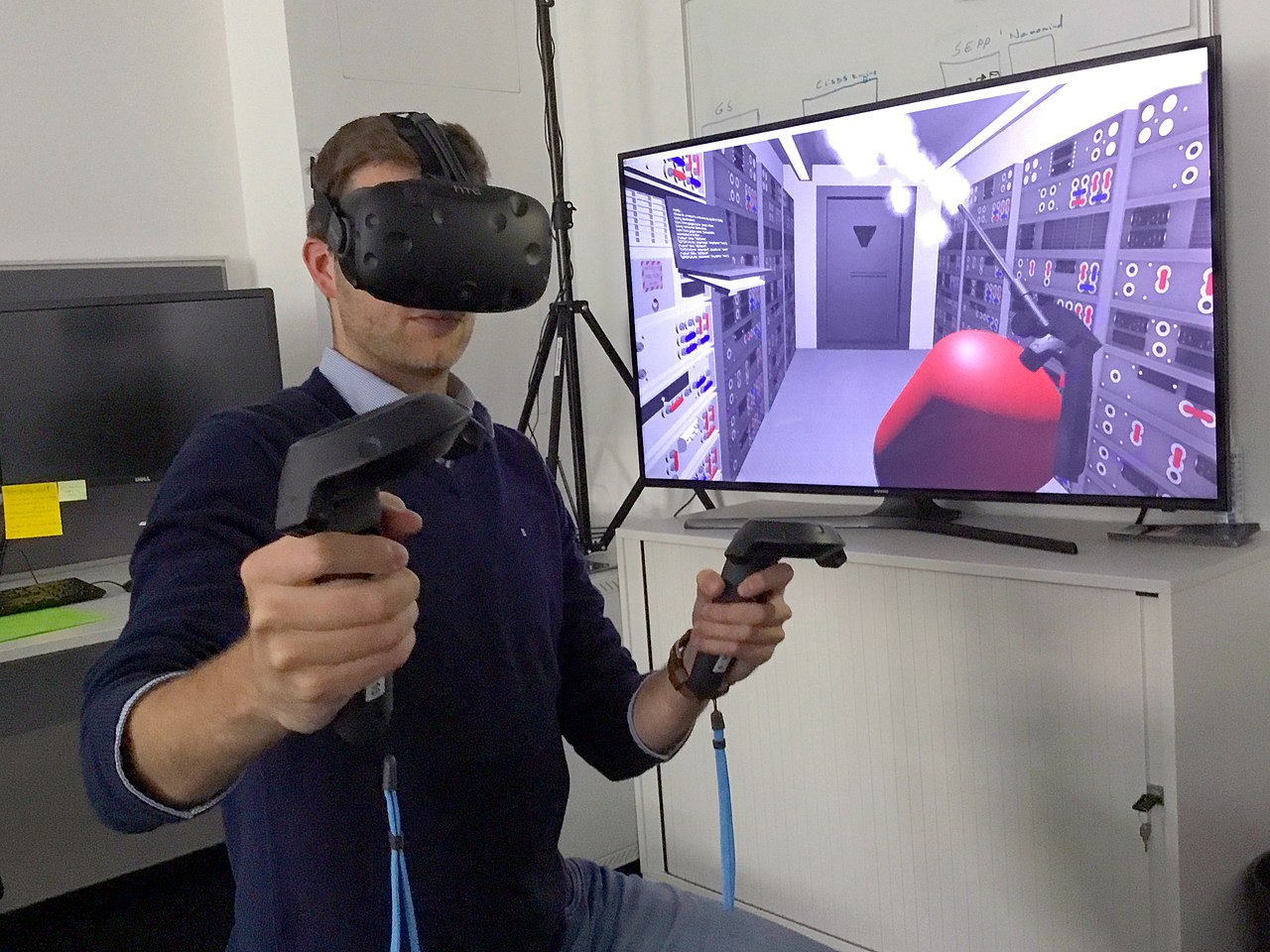
Virtual reality (VR) has transformed countless digital experiences, but perhaps nowhere is its impact more profound than within the realm of flight simulation. For enthusiasts who crave the ultimate sense of presence and realism, VR is no longer a futuristic gimmick but an indispensable tool. Moving beyond the flat, two-dimensional constraints of a monitor, VR catapults you directly into the cockpit, offering a breathtaking, three-dimensional world where every detail contributes to an unparalleled sense of immersion. This guide delves into what makes VR so special for flight simmers, exploring the essential vr flight simulator equipment you'll need and how to optimize your setup for the best possible experience.
The Unparalleled Immersion of VR in Flight Simulation
Imagine soaring through a cloud-filled sky, the sun glinting off your aircraft's wings, or executing a precise landing approach with runway lights stretching into the virtual distance. With VR, this isn't just a scene playing out on a screen; it's an environment you inhabit. The fundamental difference VR brings to flight simulation is the feeling of "being there."
Traditional monitor setups, no matter how large or numerous, always present a window to another world. VR, however, wraps that world around you. Your head movements directly correspond to your virtual gaze, allowing you to naturally scan instruments, look out the side window for traffic, or crane your neck to check your six during a dogfight. This natural interaction significantly enhances situational awareness and reduces the cognitive load of translating a 2D view into a 3D mental model.
The sense of scale and depth perception in VR is revolutionary. A towering mountain range truly feels vast, and the intricate details of a cockpit become tangible, almost within reach. The spatial accuracy makes judging distances, particularly during critical phases of flight like refueling or formation flying, far more intuitive. This heightened sense of presence not only makes the simulation more realistic but also incredibly engaging, blurring the line between the virtual and the real.
Essential VR Flight Simulator Equipment for Your Setup
Venturing into VR flight simulation requires more than just a VR headset. It's about building a cohesive system where each component works in harmony to deliver a smooth, high-fidelity experience. Understanding the key pieces of vr flight simulator equipment is crucial for any aspiring virtual pilot.
VR Headsets: The Gateway to Virtual Skies
The headset is, without a doubt, the most critical piece of vr flight simulator equipment. It's your window into the virtual world, and its capabilities largely dictate the quality of your immersive experience. When choosing a headset for flight simulation, consider the following:
- Resolution: Higher resolution means sharper images, which is vital for reading small cockpit instruments and discerning distant objects. Look for headsets with high pixel per degree (PPD) counts.
- Refresh Rate: A higher refresh rate (e.g., 90Hz or 120Hz) translates to smoother motion, reducing motion sickness and making the experience more fluid.
- Field of View (FoV): A wider FoV mimics natural human peripheral vision more closely, increasing immersion. While a wider FoV can be more demanding on your PC, it greatly enhances the sense of presence.
- Comfort and Weight: You'll be wearing this for extended periods, so a comfortable, well-balanced headset with good strap adjustments is essential. Over time, weight can become a significant factor.
- Tracking Accuracy: Precise head tracking is non-negotiable for smooth and accurate viewing within the cockpit. Most modern headsets offer excellent 6-degree-of-freedom (6DoF) tracking.
- Connectivity: Decide between a PC-VR headset (which connects directly to your computer for superior graphics) or a standalone headset (like the Meta Quest series) which can also be linked to a PC via a cable (e.g., Oculus Link, Steam Link) for a hybrid approach. For a deeper dive into compatible options, you might find Exploring VR Headset Options for Flight Simulation Setups particularly useful.
While models like the Varjo Aero offer incredibly high fidelity, more accessible options like the HP Reverb G2, Valve Index, or the Meta Quest 3 (with PC Link) provide excellent performance for flight simmers. Each has its strengths and weaknesses, often balancing resolution, FoV, and price point. For those looking to get started without a dedicated PC-VR setup, learning how to leverage general VR headsets can also be very beneficial. Check out Leveraging General VR Headsets for Flight Sim Immersion for more insights.
The Power Behind the Pixels: Your PC Hardware
VR is incredibly demanding on your computer hardware. To render two high-resolution images (one for each eye) at a high frame rate, your PC needs serious horsepower. This is especially true for modern flight simulators known for their detailed environments and complex physics.
- Graphics Card (GPU): This is arguably the most critical component. A high-end GPU is essential for maintaining smooth frame rates and high visual quality in VR. Aim for at least an Nvidia RTX 3070/4070 or AMD RX 6800/7800 XT, with higher-tier cards like an RTX 4080/4090 providing the best experience.
- Processor (CPU): While the GPU does the heavy lifting for rendering, a fast CPU is necessary to handle the simulator's complex calculations, AI, and physics. An Intel Core i7/i9 (10th generation or newer) or an AMD Ryzen 7/9 (5000 series or newer) is recommended.
- RAM: 16GB of DDR4 RAM should be considered a minimum, with 32GB being ideal for demanding simulations and multitasking.
- Storage: An SSD (Solid State Drive) is virtually mandatory for flight simulators, drastically reducing load times and improving texture streaming.
Investing in a powerful PC is non-negotiable if you want to experience VR flight simulation without constant stuttering or significant visual compromises. It's often where simmers make the biggest investment after the headset itself.
Input Devices: Beyond the Headset
While the VR headset provides visual immersion, your input devices maintain tactile feedback and control. Standard flight simulator peripherals—joysticks, HOTAS (Hands-On Throttle And Stick) setups, and rudder pedals—remain essential. However, interacting with virtual cockpits in VR presents a unique challenge.
- Physical Controls: Your existing flight stick, throttle, and rudder pedals will integrate seamlessly. The key is muscle memory and having them positioned accurately so you can find and operate them by touch while wearing the headset. Some users even build custom cockpits to ensure accurate physical placement of switches and buttons.
- Virtual Interaction: For switches and buttons not mapped to your physical gear, you'll need a way to interact with them inside VR. Many headsets come with controllers that allow you to "point and click" or virtually manipulate controls. Some advanced setups use hand tracking technology (where your real hands are tracked) or even eye tracking to interact with virtual buttons simply by looking at them and making a gesture. Voice command software (like VoiceAttack) is another popular solution, allowing you to issue commands verbally without breaking immersion.
The ideal setup blends physical controls for primary flight inputs with intuitive virtual interaction methods for secondary systems.
Optimizing Your VR Flight Sim Experience
Getting the right vr flight simulator equipment is only half the battle. To truly unlock its potential, you need to optimize both software and your physical environment.
Software and Settings Tuning
Once your hardware is in place, fine-tuning your software settings is crucial for achieving the perfect balance between visual fidelity and smooth performance.
- In-Simulator VR Settings: Most modern flight simulators (e.g., Microsoft Flight Simulator, X-Plane 12, DCS World) have dedicated VR settings. Experiment with render scale, anti-aliasing, cloud quality, shadow detail, and object density. Reducing these can significantly boost frame rates without severely degrading the experience.
- VR Runtime Software: If using SteamVR or Oculus software, explore their specific settings. Tools like OpenXR Toolkit can provide additional levels of control, allowing for custom upscaling, foveated rendering (rendering the center of your view at higher resolution than the periphery), and performance overlays.
- Graphics Driver Settings: Ensure your graphics drivers are up to date and configured for optimal VR performance. Sometimes, specific settings in the Nvidia Control Panel or AMD Radeon Software can make a difference.
It's often a process of trial and error. Start with moderate settings and gradually increase visual quality until you hit an acceptable performance threshold. Aim for consistent, stable frame rates rather than peak but inconsistent ones.
Comfort and Practical Considerations
Beyond technical optimization, several practical aspects can significantly enhance your VR flight sim sessions.
- Ergonomics: Ensure your chair, flight stick, and other peripherals are comfortably positioned. You should be able to reach everything naturally without fumbling.
- Motion Sickness: If you're new to VR, ease into it. Start with shorter sessions, keep a fan blowing on your face, and consider ginger supplements. A smooth frame rate is the best defense against motion sickness.
- Cable Management: For PC-VR users, managing your headset cable is important. Use ceiling pulleys or cable clips to keep it out of the way, preventing tangles and ensuring freedom of movement.
- Ambient Environment: Minimize distractions in your room. Good lighting can help inside-out tracking, but avoid direct sunlight into headset lenses.
Conclusion
For flight simulator enthusiasts, virtual reality is a game-changer, offering an unparalleled level of immersion and realism. While it requires a significant investment in specialized vr flight simulator equipment—a powerful PC and a capable VR headset being paramount—the reward is an experience that transcends traditional gaming. By carefully selecting your hardware and meticulously optimizing your software and physical setup, you can achieve a virtual cockpit experience that is not just visually stunning but deeply engaging and truly unforgettable. Prepare to strap in and discover a whole new dimension of flight simulation.