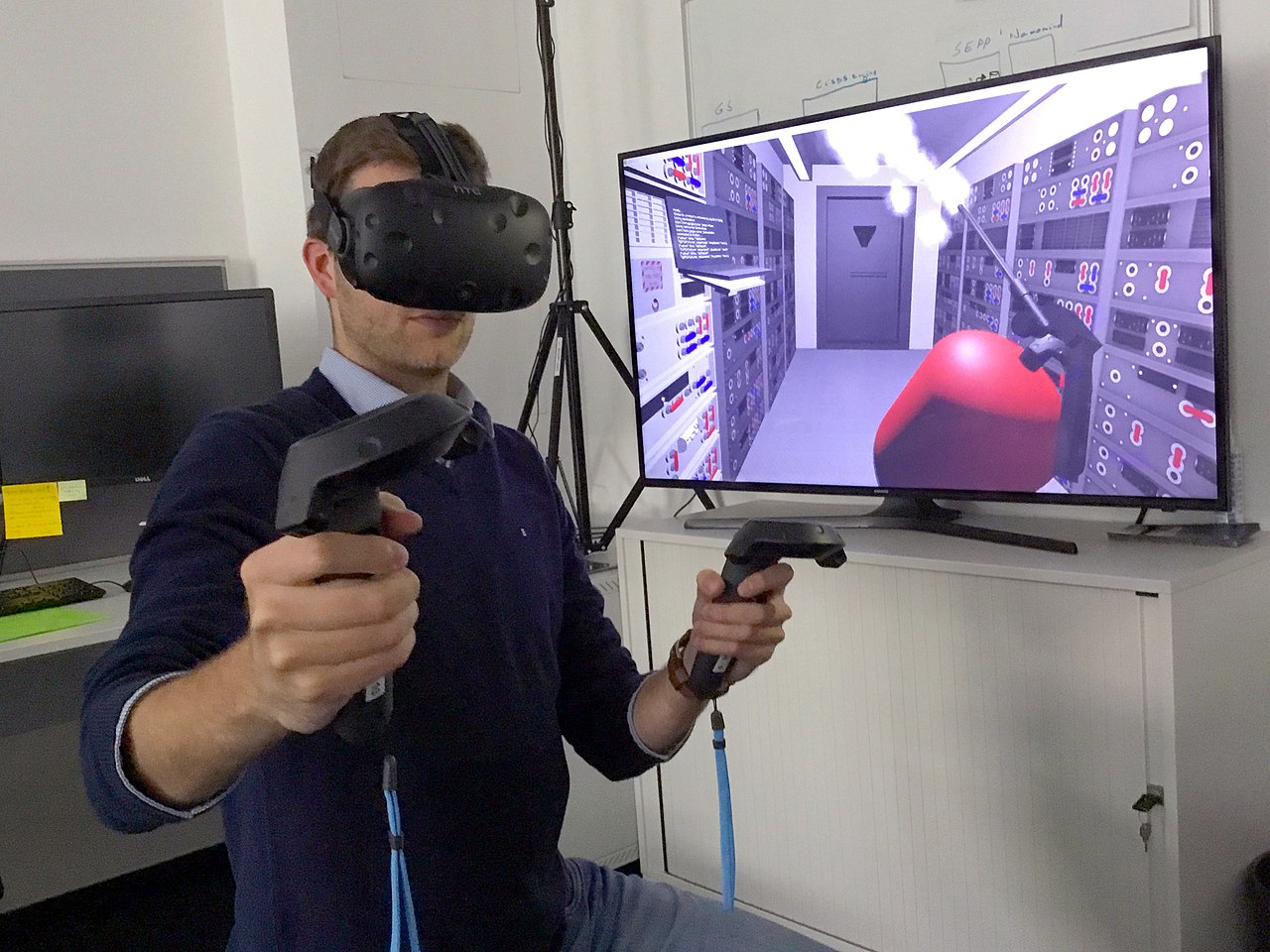
Why VR is a Game-Changer for Flight Simulation Setups
For enthusiasts of virtual skies, the leap from traditional monitors to virtual reality (VR) represents more than just an upgrade; it’s a complete transformation of the flight simulation experience. Gone are the flat 2D screens that struggle to convey the vastness of the horizon or the intricate depth of a cockpit. With the right virtual reality headset, flight simulation transcends mere gameplay, becoming an deeply immersive journey that places you directly in the pilot's seat.
The core appeal of VR for flight sims lies in its unparalleled ability to generate a sense of presence. Imagine craning your neck to check your six for traffic, precisely judging your flare with true depth perception, or feeling the scale of an aircraft carrier as you approach for landing – all impossible to replicate convincingly on a flat screen. This immersion significantly enhances situational awareness, allowing pilots to better track targets, manage complex flight patterns, and feel a visceral connection to their virtual aircraft and surroundings. Choosing the right vr flight simulator equipment is paramount to unlocking this potential, ensuring both visual fidelity and supreme comfort for long-haul flights.
Key Considerations When Selecting VR Flight Simulator Equipment
Venturing into the world of VR flight simulation requires careful thought, as not all headsets are created equal, especially when it comes to the demanding requirements of digital aviation. When exploring vr flight simulator equipment, several factors come into play that will directly impact your experience:
- Resolution and Pixel Density (PPD): For flight simulators, crystal-clear visuals are non-negotiable. Being able to read small cockpit instruments, spot distant aircraft, or appreciate the intricate details of a virtual world requires high resolution and a good pixel density per degree (PPD). Lower resolutions can lead to a "screen-door effect" (visible gaps between pixels) and make text unreadable, severely detracting from realism.
- Field of View (FoV): A wider FoV mimics natural human peripheral vision, increasing immersion and situational awareness. A narrow FoV can feel like looking through binoculars, limiting your ability to quickly scan instruments or spot threats.
- Refresh Rate: Measured in Hertz (Hz), this indicates how many times the image refreshes per second. Higher refresh rates (e.g., 90Hz, 120Hz) result in smoother motion and can significantly reduce motion sickness, which is particularly important during dynamic flight maneuvers.
- Comfort and Ergonomics: Flight sim sessions can last for hours. A heavy, poorly balanced, or ill-fitting headset will quickly become a nuisance. Look for comfortable head straps, good weight distribution, and easily adjustable IPD (inter-pupillary distance) settings to match your eyes.
- Tracking Quality: Precise head tracking is essential for naturally looking around the cockpit and the external environment. Most modern VR headsets use "inside-out" tracking (cameras on the headset) or "outside-in" tracking (external base stations) to monitor your head movements accurately.
- PC Performance Requirements: Flight simulators are already graphically intensive; running them in VR adds another layer of demand. A powerful CPU, a high-end GPU (e.g., NVIDIA RTX 30 series or AMD RX 6000 series and above), and ample RAM are crucial for a smooth and enjoyable VR flight experience. Don't underestimate this bottleneck!
- Cost vs. Value: VR headsets range from budget-friendly options to high-end, premium devices. Balance your desired features with your budget, remembering that sometimes spending a little more upfront can prevent dissatisfaction later.
Top VR Headset Contenders for Flight Simulation Setups
The market for VR headsets is constantly evolving, but certain models consistently stand out for their suitability as vr flight simulator equipment. While the ultimate "best" often comes down to personal preference and budget, here are some leading contenders:
- Meta Quest 3: Emerging as a strong all-rounder, the Meta Quest 3 offers excellent value. It boasts a higher resolution than its predecessors, a pancake lens system for clearer visuals, and a comfortable design. Critically for flight simulation, it offers both standalone capability and robust PC VR connectivity via Meta Link (wired or wireless with Air Link). This hybrid approach makes it incredibly versatile, allowing users to leverage general VR headsets for flight sim immersion without breaking the bank. Its newer sibling, the Quest 3S, is expected to offer similar performance at an even more accessible price point, potentially making VR flight sim more attainable for many.
- HP Reverb G2 (V2): For a long time, the Reverb G2 was considered the gold standard for mid-range flight simulation due to its exceptional clarity and resolution. While newer headsets have surpassed it in some aspects, its clear visuals and comfortable fit still make it a viable and often more affordable option for dedicated simmers, particularly those who prioritize image quality over a wider field of view. Its inside-out tracking is generally good enough for seated cockpit use.
- Pimax Crystal: At the higher end of the spectrum, the Pimax Crystal is designed for enthusiasts who demand the absolute best in visual fidelity. Featuring stunningly high resolution, local dimming, and a wide field of view, it delivers an unparalleled sense of realism. However, this premium experience comes with a hefty price tag and demanding PC hardware requirements, placing it firmly in the enthusiast category for those seeking the ultimate vr flight simulator equipment.
- Valve Index: While not the newest kid on the block, the Valve Index still offers a fantastic VR experience, particularly known for its comfortable design, excellent audio solution, and wide field of view. Its "outside-in" Lighthouse tracking system provides rock-solid precision, which can be a plus for those who prioritize absolute stability. Its resolution is lower than more recent headsets, but its overall package remains compelling for many.
When considering any of these, remember to cross-reference with community reviews specific to your chosen flight simulator (e.g., Microsoft Flight Simulator, X-Plane, DCS World), as optimization and performance can vary between titles.
Optimizing Your VR Flight Sim Experience: Tips and Tricks
Simply buying a great VR headset isn't the end of the journey; optimizing your setup can significantly enhance your experience. Here are some actionable tips:
- Invest in a Powerful PC: This cannot be stressed enough. VR flight simulation is one of the most demanding applications for a PC. Prioritize a high-end GPU, a fast CPU, and plenty of RAM (32GB is recommended).
- Adjust In-Game Settings: Spend time tweaking your simulator's graphics settings. Reduce shadows, clouds, and complex reflections if performance is suffering. Experiment with rendering scale and anti-aliasing to find the sweet spot between visual quality and smooth frame rates.
- Utilize OpenXR Toolkit/FSR/DLSS: Tools like the OpenXR Toolkit (for OpenXR-compatible headsets) or built-in technologies like AMD FSR and NVIDIA DLSS can dramatically improve performance by upscaling lower-resolution renders, allowing you to maintain higher frame rates without a huge hit to visual quality.
- Customize Your VR Settings: Within your headset's software (e.g., Meta Quest App, SteamVR), adjust refresh rates, render resolutions, and even brightness/contrast to suit your preferences and hardware capabilities.
- Enhance Comfort: Consider third-party headstraps, face gaskets, or counterweights if your headset feels uncomfortable during long sessions. Good cable management is also essential for tethered headsets to prevent snagging.
- Manage Motion Sickness: Start with shorter sessions, ensure good ventilation, and try keeping a fan pointed at you. Some find ginger candy or anti-motion sickness medication helpful. Consistency builds tolerance.
- Calibrate IPD: Incorrect IPD (inter-pupillary distance) can cause eye strain and blurry visuals. Take the time to measure and set your IPD accurately.
Conclusion
Stepping into the cockpit in virtual reality is an unparalleled experience for any flight simulation enthusiast. The right vr flight simulator equipment can transform your hobby from staring at a screen into truly inhabiting the skies. From the high-resolution clarity of a Pimax Crystal to the versatile accessibility of a Meta Quest 3, there's a headset out there to suit every budget and performance expectation. By carefully considering factors like resolution, FoV, comfort, and ensuring your PC is up to the task, you can unlock an incredible level of immersion and situational awareness that flat screens simply cannot match. Prepare for takeoff, because once you experience flight simulation in VR, there's no going back.